
Services / MCP Integration
MCP Integration Services in Malaysia and Singapore
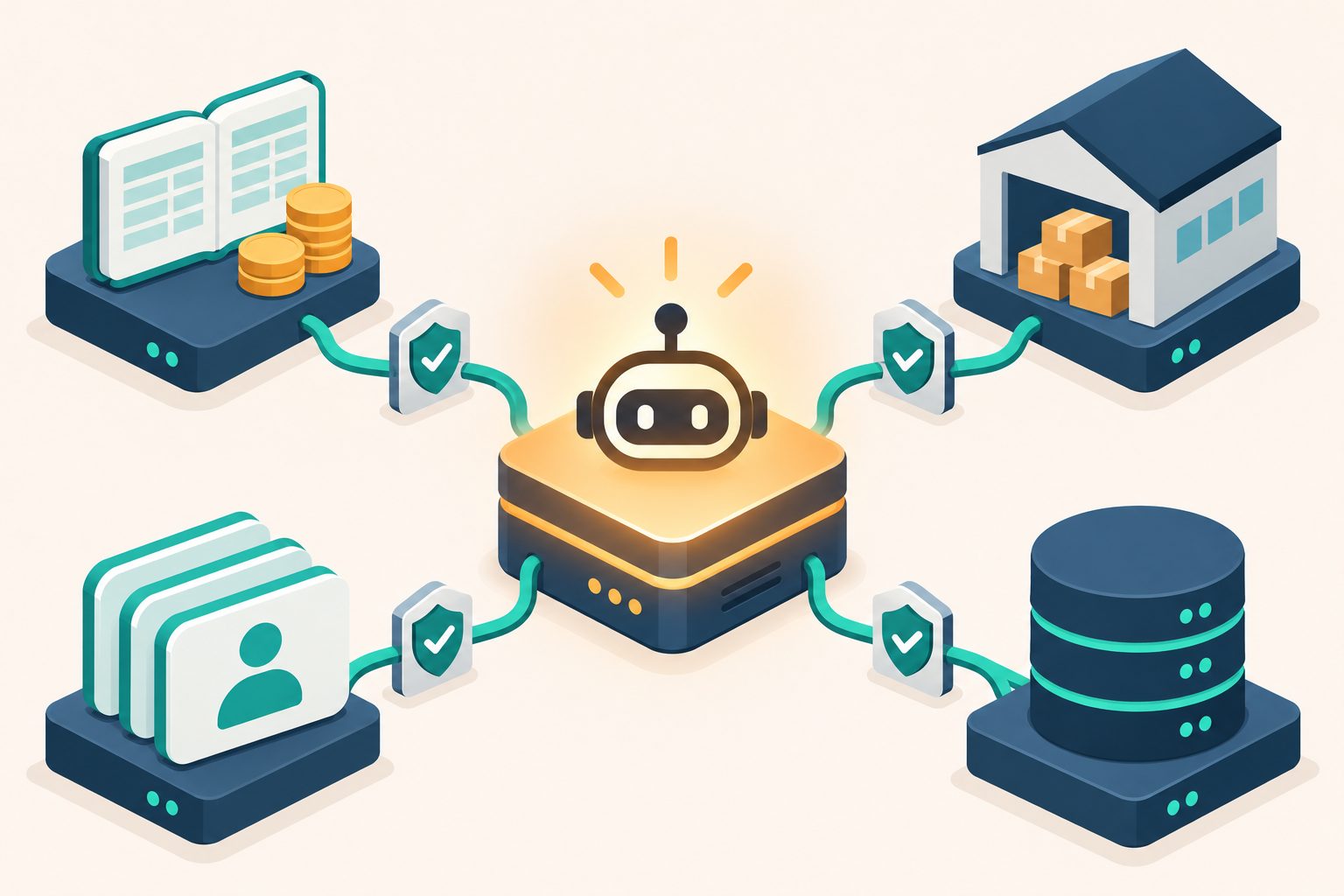
MCP (Model Context Protocol) is an open standard for connecting AI applications such as Claude and ChatGPT to the systems your business already runs. We build MCP servers for your ERP, accounting, CRM and in-house systems, connect them to the AI your team uses, and set up the permissions, approvals and audit logging that make that access safe to switch on.
The short answer
What is MCP, and what can it do for your business?
Without a connection to your systems, an AI assistant can only talk. MCP is the agreed way to give it access, one system at a time, on your terms.
How MCP works, in three sentences
The protocol has three parts, and only one of them is new work for your business:
- The MCP server sits in front of your system. It decides exactly what the AI may read and do there, such as looking up an invoice, checking stock or drafting a quotation. This is what we build.
- The AI application connects to it. Claude and ChatGPT both support MCP, so one well-built server can serve more than one AI, and survives a change of model.
- Safety is the builder's job, not the protocol's. The specification asks for user consent before any tool runs and for access controls on data, but says it cannot enforce them. Designing that properly is most of the work.
Answer from live data
Staff ask in plain language and the AI answers from your system as it is right now: outstanding invoices, stock on hand, the status of an order.
Draft work for a person to approve
The AI prepares the quotation, the purchase order or the customer reply. A person checks it and decides whether it goes out.
Act inside a boundary you set
For routine, low-risk actions the AI can act on its own, limited to the tools and records you have allowed and logged every time.
Want the long version, including when AI is the wrong answer? Read how AI connects to the business systems you already run.
What we build
MCP services we deliver
From the first MCP server to the governance that lets your finance and IT teams sign off on it.
Custom MCP server development
An MCP server for your ERP, accounting system, CRM or in-house database, exposing only the tools and records the use case needs. Written to the open specification, so it belongs to you and works with any AI client that supports MCP.
Connecting Claude and ChatGPT to your systems
We set the connector up where your team already works, in Claude on the web, desktop or Claude Code, or through OpenAI's API, and test it against the real AI client rather than a demo.
Security and permissions
Read-only by default. Sign-in with each user's own account where the system allows it, so the AI sees only what that person can already see. Write access only behind a human approval step, and credentials kept out of the AI's reach.
Governance and audit trail
Every tool call logged with who asked, what ran and what came back, so you can answer what the AI did and when. That is what makes its access reviewable under PDPA in Malaysia and the PDPC in Singapore.
Systems we connect
Which systems can we connect AI to?
If a system has an API or a database we can reach safely, an MCP server can usually be built for it. If it has neither, we will tell you before you spend anything.
- AutoCount
- SQL Account
- Odoo
- NetSuite
- Microsoft Dynamics
- QuickBooks Online
- Salesforce
- HubSpot
- In-house databases and apps
A connector you can try: QuickBooks for Singapore
Our QuickBooks connector lets Singapore companies ask Claude about their P&L, GST F5 and bank transactions. It runs on your own PC, only reads, and saves no copy of your figures.
See the QuickBooks connectorERP, accounting and CRM in Malaysia
We connect Claude to systems including SQL Account, AutoCount, Odoo, NetSuite, Microsoft Dynamics and custom in-house applications, as part of our wider integration work.
Our system integration serviceThe first weeks
How an MCP project runs
Small and specific first. The aim of the first phase is one workflow your team trusts, not a platform.
- 1
Pick one workflow
We start with one question your team asks every day, or one task they repeat, and agree what the AI should and should not be able to do.
- 2
Map access and risk
Which system, which records, which user roles, and what happens if the answer is wrong. Read-only comes first unless there is a reason not to.
- 3
Build the MCP server
Tools named and described so the AI uses them correctly, sign-in wired to your existing accounts, and logging switched on from the start.
- 4
Test against your real data
We run the connector in the AI client your team will actually use, with your data and your awkward cases, and fix what it gets wrong before anyone relies on it.
- 5
Go live, then widen carefully
Your team uses it on the agreed workflow. Write actions and further systems are added only after the first step has earned trust.
When MCP is the wrong answer
If you only need the same data copied between two systems on a schedule, a conventional integration is cheaper and more reliable. If a task happens rarely, the approval and logging work may cost more than it saves. We will say so, and point you to the simpler option.
Once a connector is in place, an agent can use it to run whole workflows: AI agent development.
Where we work
Delivered in Malaysia and Singapore
One team across both markets, building on Claude as a certified member of the Claude Partner Network.
Malaysia
Our Malaysian team works from Setia Alam, Shah Alam, Selangor, with projects across Kuala Lumpur, the Klang Valley and the rest of Malaysia.
Singapore
Anchor Sprint Pte. Ltd. serves Singapore companies from Suntec Tower One.
Why we build on Claude: our Claude partnership in Malaysia and Singapore.
FAQ
Frequently Asked Questions
Common questions about MCP servers and connecting AI to business systems.
An MCP server is a service that makes one system's data and actions available to AI applications through the Model Context Protocol. It can offer tools (actions the AI may call), resources (data the AI may read) and prompts (ready-made workflows). The AI never gets a direct line into your database: it only sees what the server chooses to expose, under the permissions you set.
MCP stands for Model Context Protocol. It is an open-source standard for connecting AI applications to external systems. Anthropic, the company behind Claude, first published it, and has since donated it to the Agentic AI Foundation under the Linux Foundation, so no single AI vendor controls it.
Yes. AutoCount is one of the systems we connect Claude to, through an MCP server built for your setup. What the AI can reach depends on how your AutoCount is installed and what access it allows, so we confirm that before quoting. Read-only questions, such as outstanding invoices or stock balances, come first; anything that writes to your books goes behind an approval step.
Yes. The MCP project lists ChatGPT alongside Claude as an AI assistant that supports MCP, and OpenAI's Responses API works with remote MCP servers. A connector built to the standard is not tied to one AI vendor, so the integration stays yours if you change model later.
It can be, when the access is designed rather than assumed. The MCP specification says the AI application must get explicit user consent before invoking any tool, and that tools should be treated with caution because they can run code. The protocol cannot enforce that by itself, so we build the rest: read-only by default, sign-in with each user's own account where the system allows it, approval before any write, and a log of every call.
Often a normal integration will do. If the job is copying the same fields between two systems on a schedule, a conventional integration is cheaper, faster and more predictable than anything involving a model. MCP earns its place when people need to ask questions of live data, or when a step needs judgement before a person approves it. We will tell you which one you have.
It depends on the system, how many actions the AI needs and how much approval and logging the workflow calls for. We scope each project after a free assessment and give you a quote before any work starts, so you know the cost of the first workflow before committing to more.
Yes. Anchor Sprint Pte. Ltd. serves Singapore from Suntec Tower One, and our QuickBooks connector was built for Singapore companies. Malaysian projects are run from our office in Setia Alam, Shah Alam, Selangor.
Free consultation
Have a system you want AI to work with?
Tell us the system and the question your team keeps asking. We will tell you whether MCP is the right tool and what a safe first step looks like.