
A practical ChatGPT guide
What is ChatGPT Intelligent UI?
Ask a question. See the answer come to life.
Explore how ChatGPT turns ideas into visuals, controls and tools you can use.
Updated 10 October 2026 · Examples by Anchor Sprint
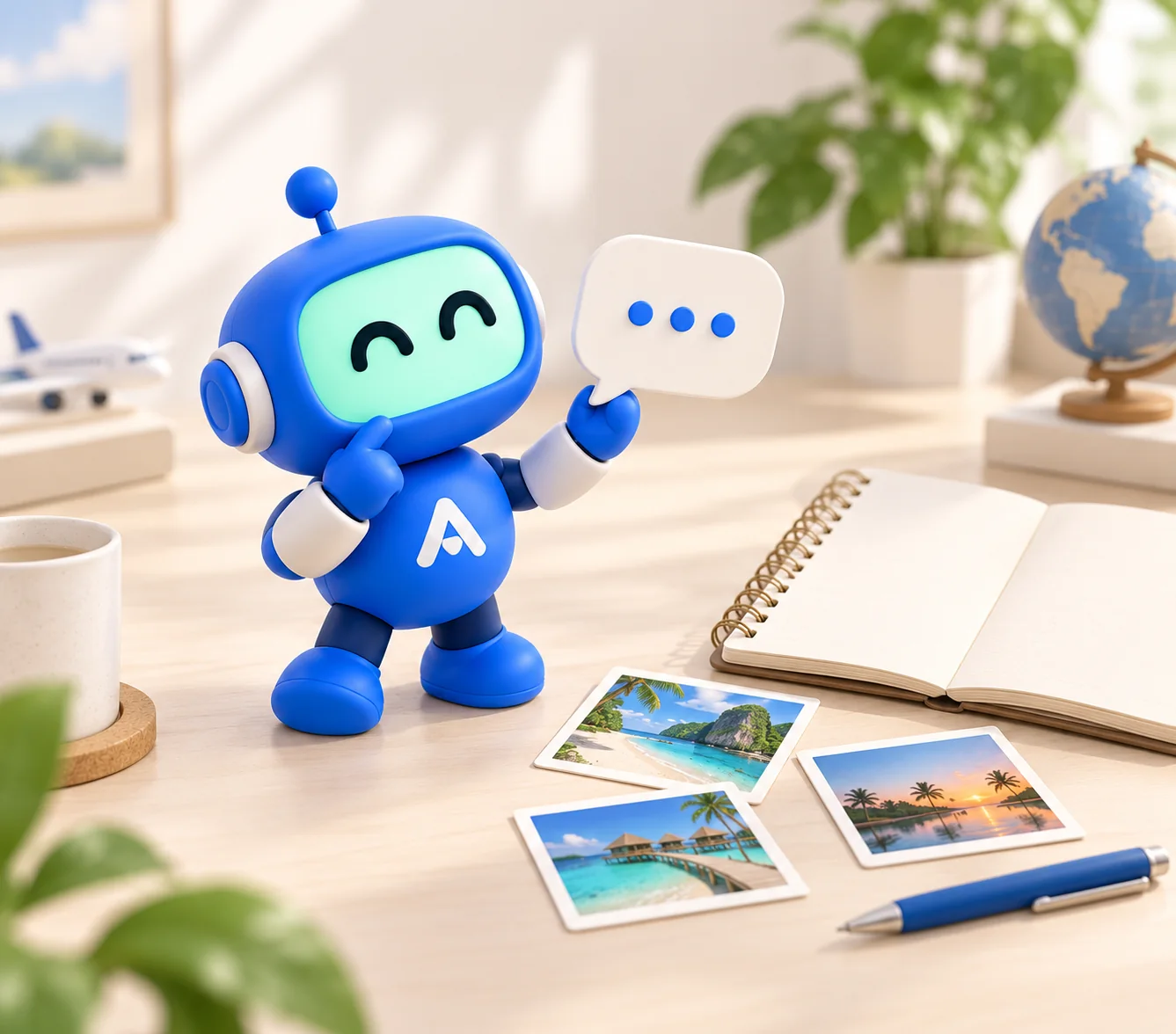
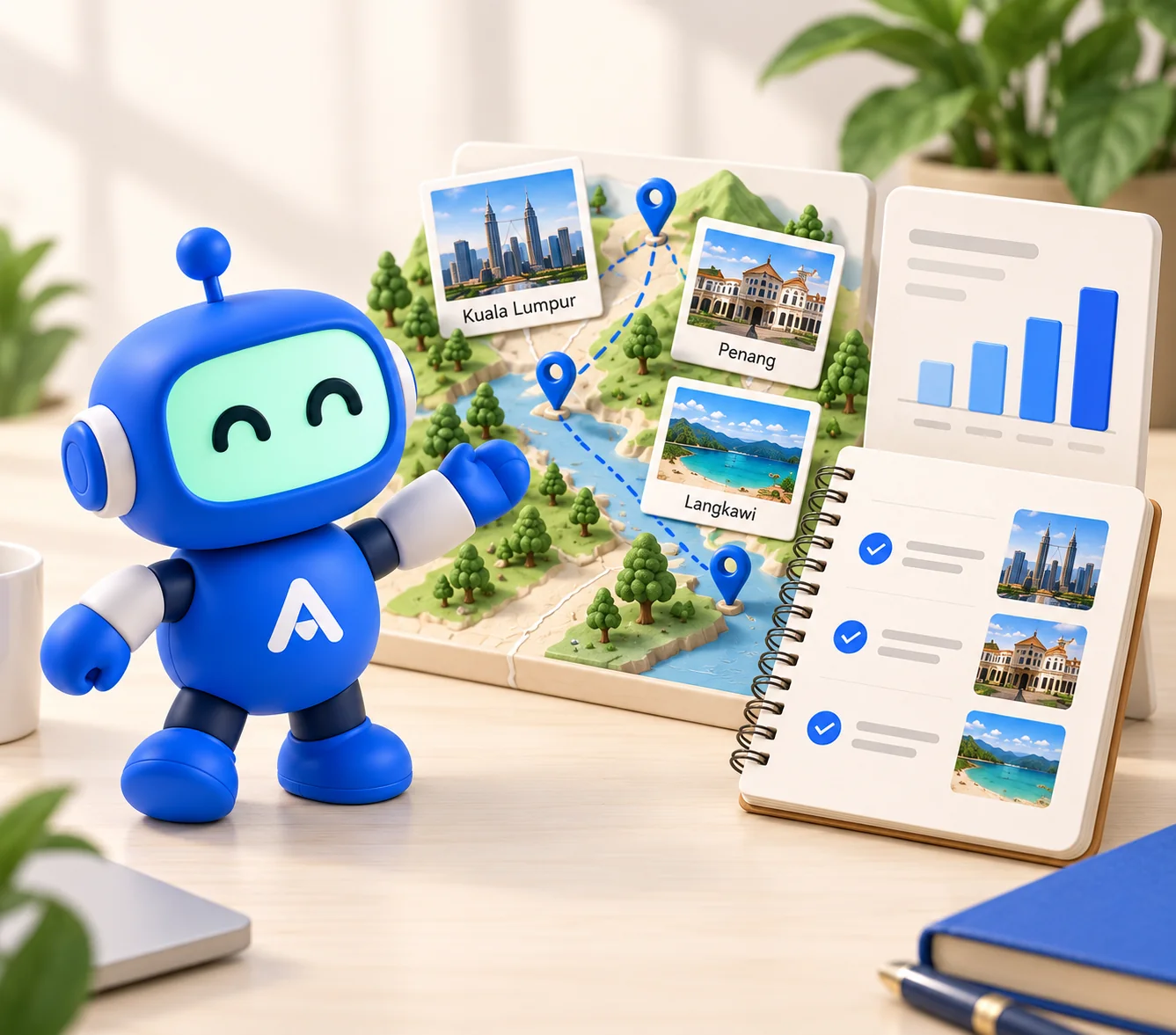
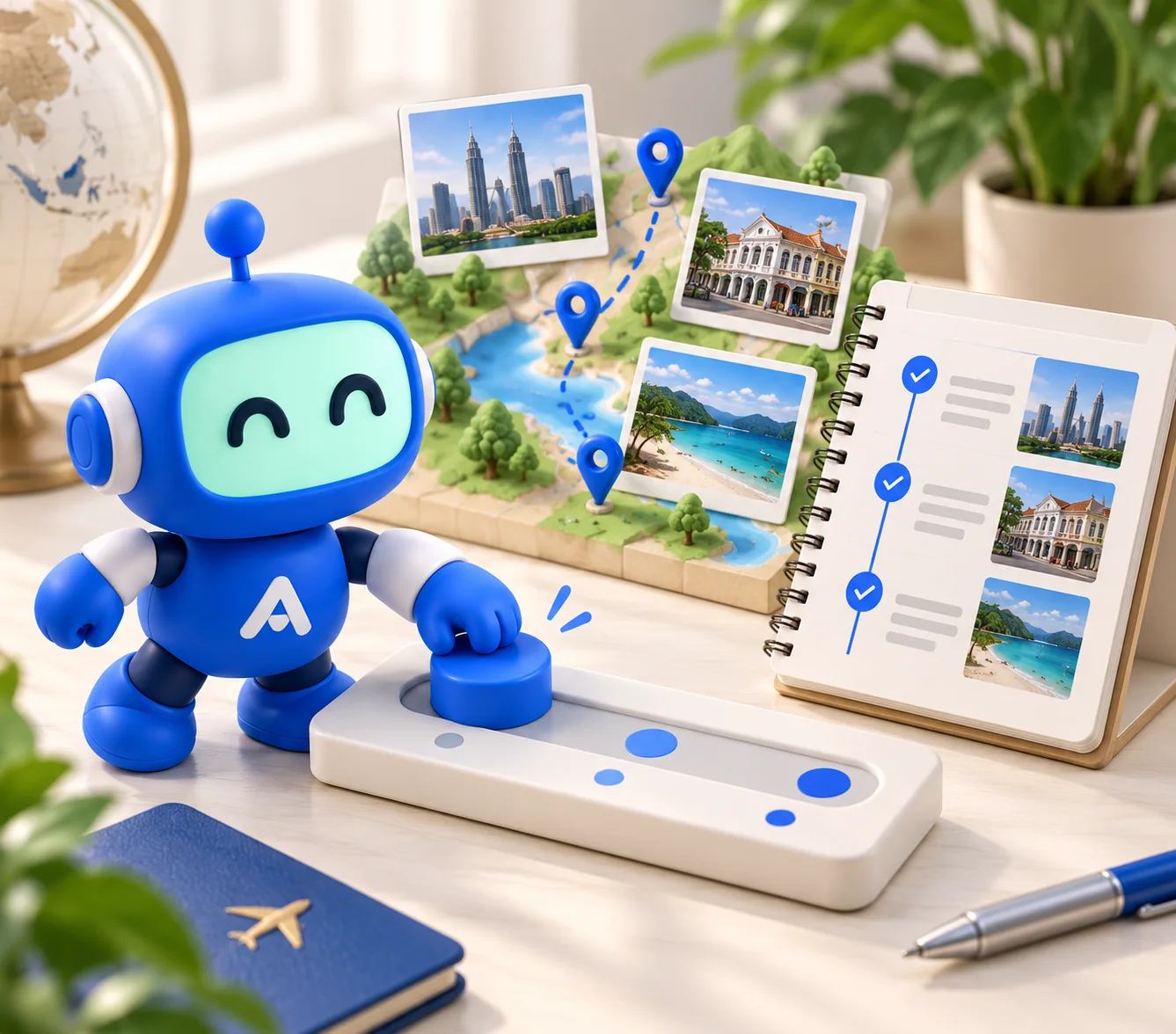
01 · From words to something you can use
See it. Change it. Understand it.
Intelligent UI lets ChatGPT choose a useful way to present an answer: text, pictures, a comparison, a diagram or interactive controls. You can explore the result and ask for changes.
Read OpenAI's announcementopens in a new tabSee it
A picture, timeline or comparison can make an unfamiliar idea easier to understand.
Change it
Adjust an input and explore how the answer responds, without starting again.
Use it
Turn the answer into a plan, a checklist or a decision you can discuss with your team.
02 · Try it yourself
Watch your answer become a plan.
ChatGPT can turn an answer into something you can explore and change.
Interactive simulation · By Anchor Sprint
Choose a follow-up to reshape the plan.
Scripted demo. No live ChatGPT connection.
The same answer, made visual
Meet over local food, explore the heritage streets, then finish by the waterfront.
Penang team day plan
Updated: 6 hours → 3 hours3 hours · 3 stops
Illustrative timing; travel included.
Tap a stop to explore the plan.

Use the walk to notice something new and exchange ideas. Choose an accessible route and check the weather before heading out.
Shorter plan: the reflection stop is removed and the remaining times are adjusted.
03 · Put it to work
Better questions. More useful work.
Tell ChatGPT your goal, the inputs you want to change and what a useful result looks like. Check the assumptions before using the answer for business decisions.
For company work, follow your team's approved workspace and data rules. An interactive answer does not automatically connect to your CRM, documents or other systems.
Common questions about ChatGPT Intelligent UI
It is ChatGPT's ability to shape an answer with text, visuals and interactive controls. The format depends on the task: a comparison, a diagram or a small tool can make an answer easier to explore.
Describe your task and ask for an interactive answer, such as a plan with adjustable inputs. Copy an example prompt below, open ChatGPT and paste it into a new chat. The result can vary with the task, your account and the available features.
These are interactive illustrations built by Anchor Sprint with sample data. They run in your browser. The Open ChatGPT link takes you to ChatGPT; it does not automatically transfer a prompt, conversation or company data.
An interactive answer helps you explore information. An agent that reads or changes your business systems also needs tools, permissions, integrations and review. A useful visual interface by itself does not grant access to those systems.
Start with a small task, such as planning a workshop or comparing options, and check the result. Use your organisation's approved ChatGPT workspace and data rules. Anchor Sprint offers ChatGPT training and rollout support for teams in Malaysia and Singapore.
Source and example notes
Based on OpenAI's Intelligent UI announcement, checked on 10 October 2026. Example artwork is AI-generated; the demos use illustrative data and run locally in your browser. ChatGPT's responses and available features can differ.
ChatGPT and OpenAI are trademarks of OpenAI. This guide and its illustrations are created by Anchor Sprint.
GPT-6 and Intelligent UI for everyone — OpenAIopens in a new tab