

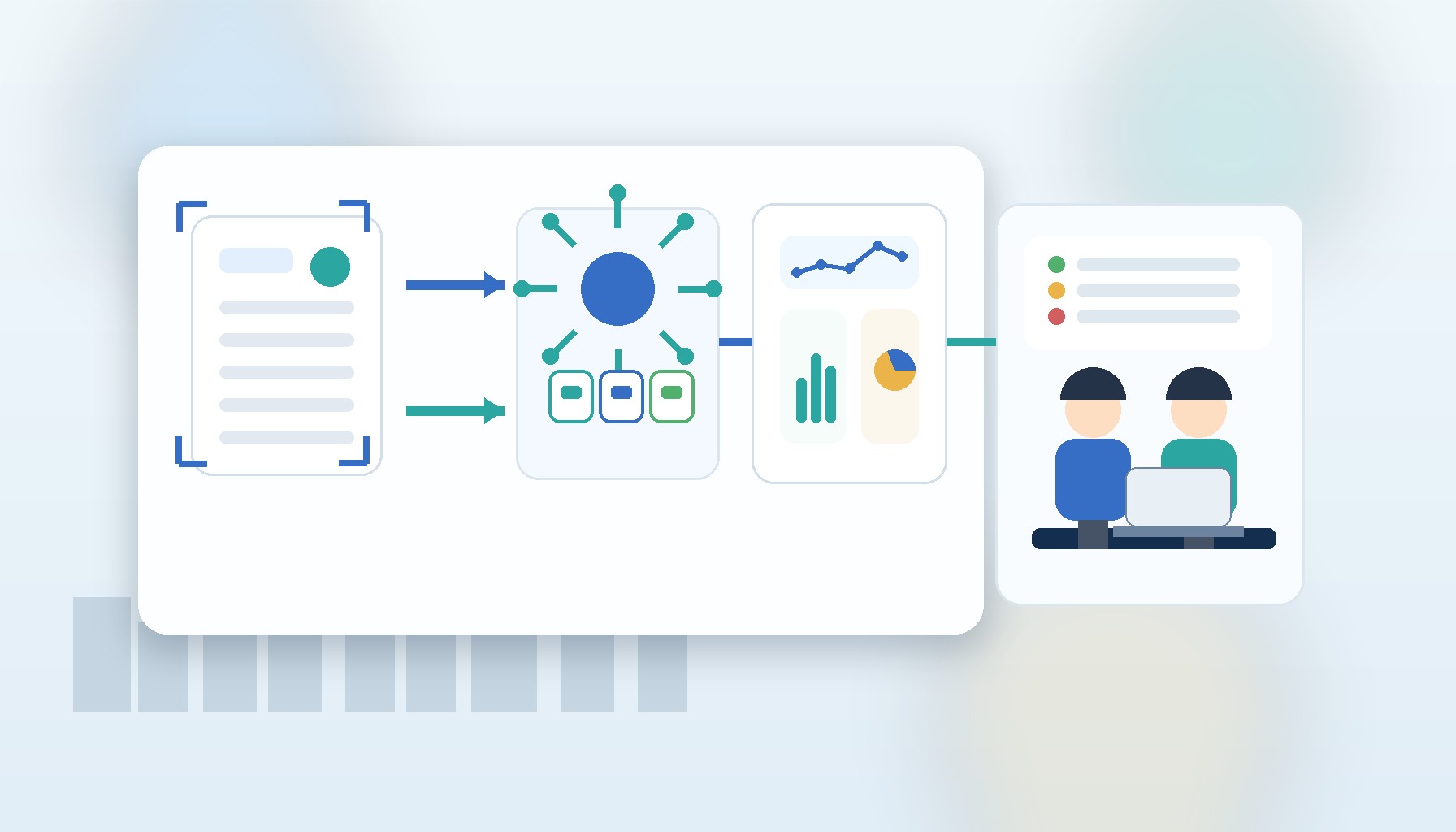
From PDFs in WhatsApp to a validated MyInvois submission.
It is 5:40 PM on a Friday. Your finance lead is still chasing PDF invoices in WhatsApp, your admin staff is keying customer details into the MyInvois portal one document at a time, and a supplier has sent a blurry scan with the wrong tax number again. You are not trying to build some futuristic finance stack. You just want the month-end mess to stop.
By the end of this guide, you will have a practical blueprint for malaysia e-invoice automation that moves your team from manual portal entry to an AI-assisted workflow with OCR, validation, exception handling, and MyInvois submission. If you run a growing SME, this is the version that matters in 2026: fewer repetitive admin hours and fewer submission errors.
Start with the workflow, not the portal
Many SMEs begin by asking whether they should keep using the portal or jump straight into full MyInvois API integration. That is the wrong first question. The real question is where your invoice data comes from, who checks it, where mistakes usually happen, and what should happen before anything reaches LHDN.
MyInvois accepts document submissions in JSON or XML format through its API, returns a submission ID together with document-level identifiers, and recommends a rate limit of 100 requests per minute for each client ID (MyInvois SDK). That only solves the last mile. If your team is still copying data out of email attachments, supplier PDFs, or shared drives, the real bottleneck sits upstream.
A better SME e-invoice workflow for 2026 usually has five stages. First, capture invoices from email, cloud folders, ERP exports, or uploaded PDFs. Second, extract the fields you need with invoice OCR Malaysia tooling or structured system data. Third, validate tax numbers, line items, totals, and required fields before submission. Fourth, route exceptions to a human reviewer. Fifth, submit approved documents to MyInvois and track status until completion.
If you already have accounting software, ERP data, or custom operational systems that need to talk to each other, it often becomes a system integration project before it becomes an AI project.
What you need before you automate
You need a clear list of your invoice sources. For most Malaysian SMEs, that means some mix of accounting exports, emailed supplier invoices, customer billing records, and staff-uploaded PDFs. You also need one person who owns finance rules, because AI invoice processing Malaysia only works well when somebody can define what counts as complete, correct, and risky.
You should also decide which documents deserve straight-through processing and which ones must always be reviewed. For example, a clean system-generated sales invoice may go straight through after automated checks. A scanned supplier invoice with unreadable fields should not.
The final prerequisite is MyInvois readiness. Your process should be able to validate a taxpayer identification number before submission, because MyInvois supports TIN validation as part of the workflow (MyInvois FAQ). If you skip this, your team ends up discovering preventable problems only after the document has already entered the submission queue.
Step 1: Map your current invoice journey in painful detail
Before you buy software or commission an integration, spend one session mapping what happens today. Follow one invoice from the moment it arrives until the moment you know it is accepted, rejected, or needs correction.
Write down where the file enters, which fields are manually copied, who checks the supplier or buyer information, and how your team knows what happened next. This exercise usually reveals that the portal itself is only a small part of the work.
This is also where you decide whether your first target is outgoing invoices, incoming invoices, or both. For most SMEs, outgoing invoices are easier because your own system data is cleaner. Incoming documents are where OCR and review logic create the most value, but they also need more care.
Step 2: Separate structured data from document extraction
Not every invoice should go through OCR. If your sales invoice already exists in your billing or ERP system, use the system record as the primary source of truth. Reserve OCR for PDFs, scans, and supplier documents that arrive in inconsistent formats.
That distinction matters because it keeps your AI workflow simpler and more accurate. OCR is helpful when you cannot control the input format. It is unnecessary when your own system already holds the right invoice number, line items, totals, and tax details.
A practical design looks like this. System-generated invoices flow directly into a validation layer. Document-based invoices go into OCR first, then into the same validation layer. After that, both paths converge into one approval and submission process. If you are exploring related use cases beyond finance, our guide on practical AI use cases for Malaysian SMEs can help you spot where the same pattern applies elsewhere.
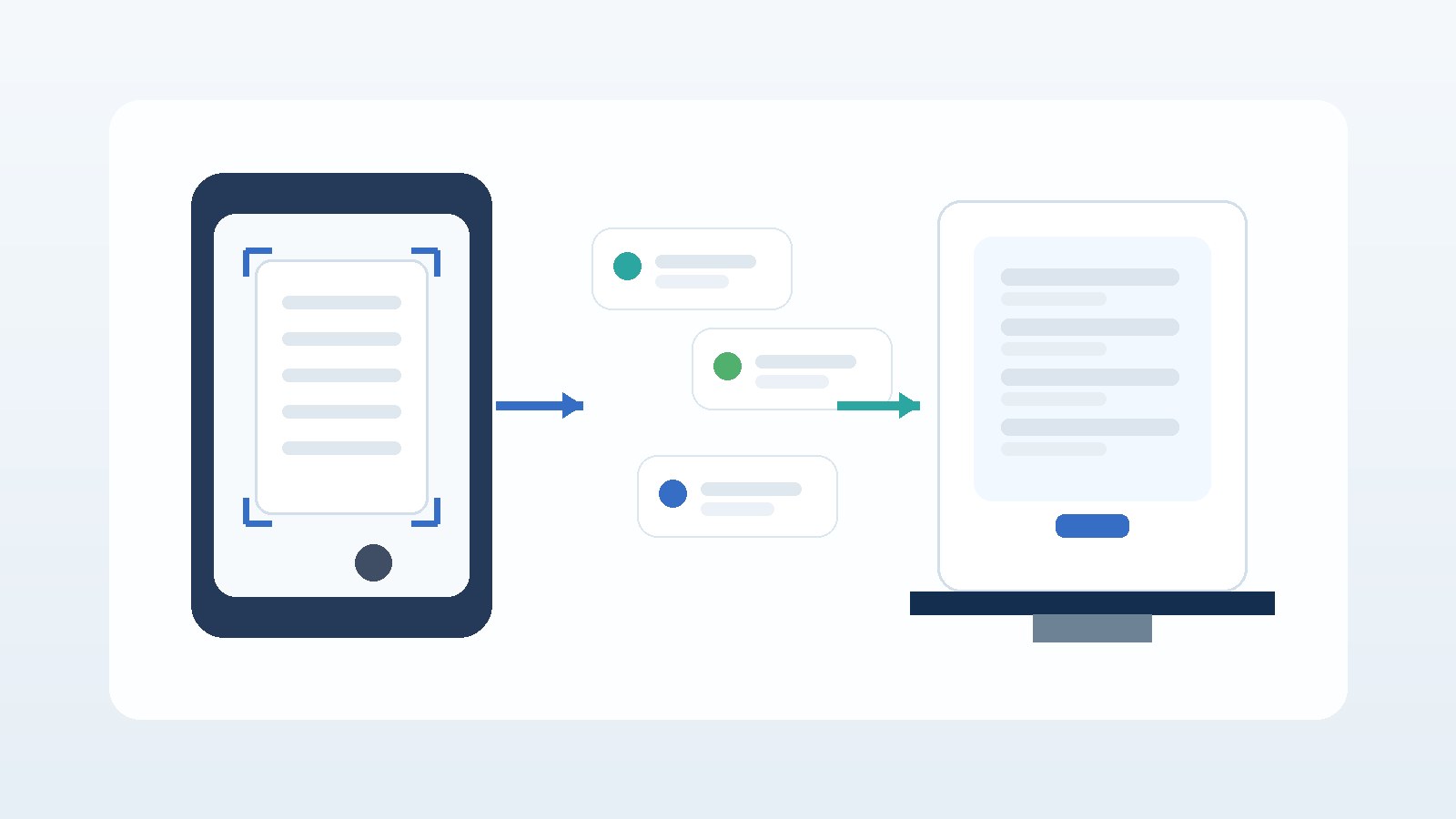
Capture and validation: the stage that decides whether a submission is rejected.
Step 3: Build validation before MyInvois submission
Your workflow should validate required fields before it ever calls the MyInvois API. That includes tax numbers, invoice dates, totals, currency handling, duplicate detection, and simple arithmetic checks between subtotal, tax, and grand total. MyInvois exposes document states such as Submitted, Valid, Invalid, and Cancelled, which gives you a clear status model to design around (MyInvois FAQ). Do not wait until a document becomes Invalid to discover that your internal checks were too weak.
Think of this layer as a gatekeeper, not a formatting script. It decides which documents can pass automatically, which must be reviewed, and which should be blocked immediately.
In practice, a strong ruleset often includes TIN validation, duplicate invoice detection, threshold-based checks for unusual values, and confidence scoring for OCR-extracted fields. When confidence drops below your threshold, send the document to a queue instead of gambling on a bad submission.
Step 4: Add human review only where it matters
The goal is not to remove humans from finance. The goal is to remove humans from repetitive checking so they can focus on exceptions.
A sensible review queue usually contains three categories. One is low-confidence OCR output, especially from poor scans or handwritten annotations. Another is data mismatches, such as totals that do not reconcile or tax numbers that fail validation. The third is policy exceptions, such as invoices above a value threshold or documents from new counterparties.
Once you do this, your team stops reviewing everything and starts reviewing only the things that deserve attention. That is the turning point where automation becomes believable internally. If you want help designing that kind of operating model, it often overlaps with broader AI solutions work rather than a narrow compliance build.
Step 5: Submit, track, and reconcile statuses properly
When a document is approved, your workflow can submit it to MyInvois in JSON or XML form and store the returned submission reference and document identifiers for downstream tracking (MyInvois SDK). Because MyInvois recommends a ceiling of 100 requests per minute per client ID, batching, queueing, and retry control matter once your volume grows (MyInvois SDK).
After submission, do not treat the API response as the end of the process. Your finance team still needs a clean way to see whether a document is Submitted, Valid, Invalid, or Cancelled, and what action is required next (MyInvois FAQ). A mature malaysia e-invoice automation flow writes those statuses back into the system your team already uses, whether that is ERP, accounting, or an internal dashboard.
Where AI actually helps in 2026
AI is useful here, but only in the right places. Deloitte said 34% of organisations in its 2026 State of AI study are using AI to deeply transform their business, while 85% expect to customise AI agents for their own operations (Deloitte). That fits what many SMEs are discovering: generic tools help at first, but operational workflows need business-specific rules.
For e-invoicing, AI adds the most value in document classification, OCR extraction, anomaly detection, and routing decisions. It is much less useful as a vague “do everything” assistant. Keep the workflow deterministic where it should be deterministic, and use AI where ambiguity is real.
That is also why your first version should be modest. Start by automating one document path well, then expand. If you need a roadmap for that rollout, our article on AI adoption planning for Malaysian SMEs is a good next read.

The exceptions queue is where the humans stay in the loop.
Common mistakes that make these projects fail
The first mistake is automating bad inputs. If your source documents are inconsistent and your rules are undefined, automation only makes the mess arrive faster.
The second mistake is pushing every document straight into submission. Without a proper validation and exception layer, your team trades manual data entry for manual correction.
The third mistake is treating OCR as the core system. OCR should support the workflow, not define it. Your workflow should still be built around approval logic, status tracking, and reliable integration points.
The fourth mistake is ignoring operational ownership. Someone in finance or operations has to own the rules and review thresholds.
Budget and timeline expectations for SMEs
Most SMEs should resist the urge to start with a full finance transformation. A pilot works better when it covers one document type, one submission path, and one review queue. In practice, many teams ring-fence a modest pilot budget for workflow design, OCR setup where needed, validation rules, MyInvois submission, and a simple dashboard, then expand only after the exception rate starts dropping.
If grant support is relevant, MDEC says MDAG-AI is open to Malaysia-based companies using eligible AI products or services, and applicants must have at least RM50,000 in issued share capital (MDEC MDAG-AI). MDEC also said Budget 2026 includes RM53 million for MDAG and RM18 million for the National AI Office, which is a useful signal that AI adoption support remains part of the national agenda (MDEC Belanjawan MADANI 2026).
That does not mean every SME will get funding, but it does mean you should at least check whether your pilot can align with current support schemes before treating automation as a purely self-funded initiative.
What to do next
If you are still using manual portal entry, do not start by shopping for the most feature-heavy e-invoicing tool. Start by redesigning the workflow around capture, extraction, validation, exception handling, and status visibility.
That is how you move from compliance admin to a process your team can trust. In 2026, the advantage is not just being able to submit an invoice. It is being able to process more invoices with fewer errors and less finance fatigue.
A good first milestone is simple: pick one invoice flow, map it, define the exceptions, and automate only that path. Once that works, the rest becomes much easier.
Free consultation
Planning a MyInvois-Ready Automation Workflow?
We can help you design an e-invoice workflow with OCR, validation, review queues, and reliable MyInvois integration for your SME.