
Order processing agent
We design, build and deploy a WhatsApp AI agent that takes customer orders end to end — captures the items, confirms options and the total, collects delivery or pickup details, and drops a clean order into your system — so your team stops re-keying and stops missing messages.
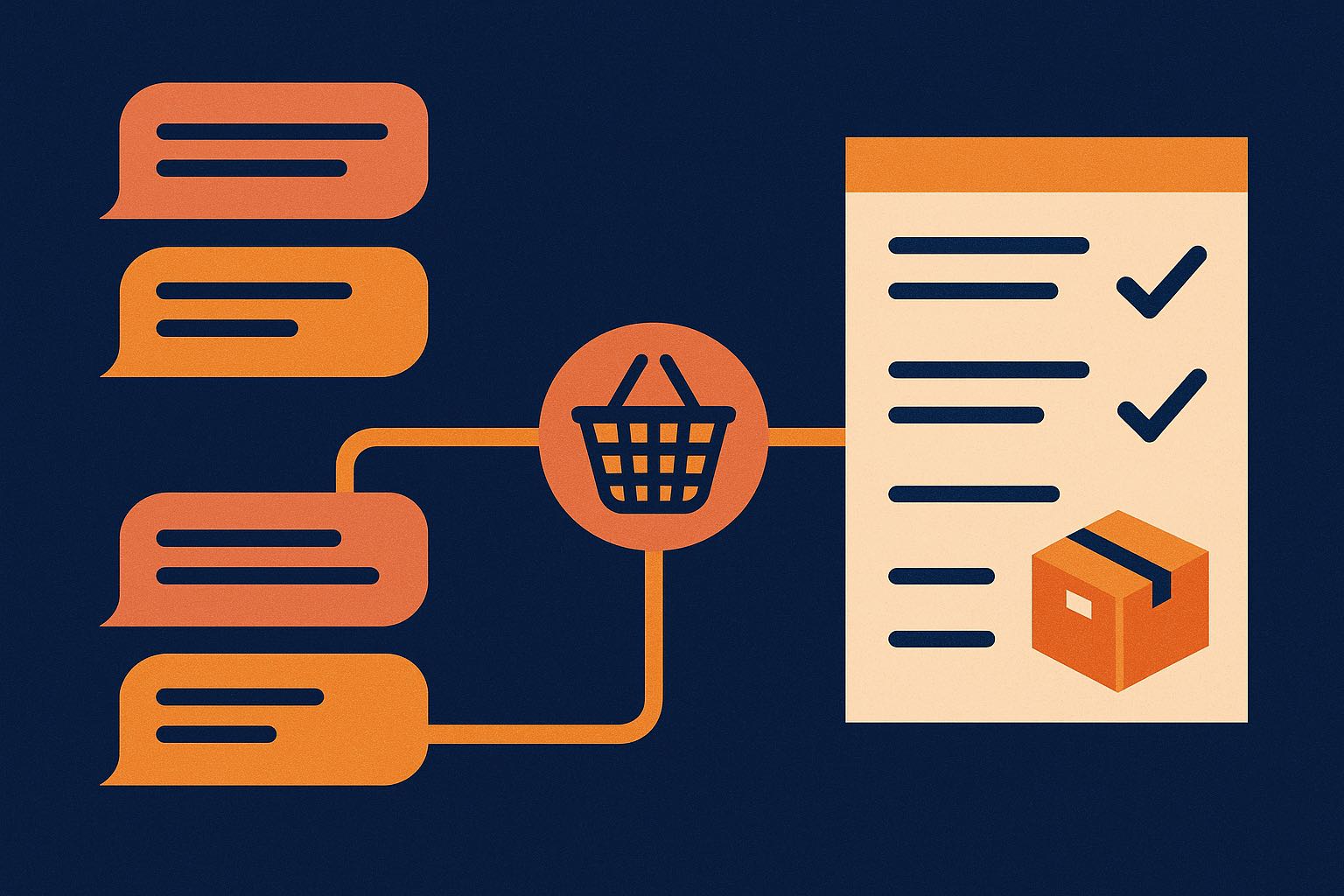
At a glance
WhatsApp is where most F&B & retail SMEs in the region already take orders — this captures revenue you lose after hours and at peak.
One linear prompt-chain on a single model; the real work is wiring WhatsApp, your menu/stock and your POS — no vision or heavy compliance.
What changes when it works
Time per application
Handling an order by hand
~4–6 min
With the agent
~30 sec review
Time saved
≈ 4–5 minutes saved per order — about 35–65 hours a month at 500–800 orders. And every after-hours order it catches is revenue you'd otherwise lose by morning: at ~RM 0.20 in AI cost, one saved order a day more than pays for it.
Indicative; actual time and volume depend on order complexity and how much your menu varies.
Our agentic development process
Every use case follows the same seven stages — from framing the problem to production.
Our process, built on Anthropic's agent guidance and the Agent GPA eval framework: Building Effective Agents · Agent GPA
Stage 1 · Frame
The business problem
An F&B or retail business in the region takes a stream of orders on WhatsApp. Staff read each message, work out exactly what the customer wants, clarify sizes and add-ons, tally the total, then re-key it into the POS or a spreadsheet — and confirm back to the customer. It's slow at lunch rush, error-prone, and after-hours messages sit unanswered until morning, by which point the customer has ordered elsewhere.
Stage 2 · Map
The manual workflow today
- 01Read the incoming WhatsApp message
- 02Work out the items, sizes and add-ons
- 03Message back to clarify anything unclear
- 04Tally quantities and the total
- 05Re-key the order into the POS or a spreadsheet
- 06Confirm back to the customer
Where it breaks: The bottleneck is turning a free-text chat into a clean, correct order — the slow, repetitive part that clogs at peak and stops entirely after hours.
Stage 3 · Design
The agentic workflow
We build it as a prompt-chaining workflow: each customer message runs through a short, reliable chain — understand → match to your menu → confirm → capture details → create the order — with the agent re-asking only when something is genuinely ambiguous or out of stock.
Re-asks the customer only when an item is ambiguous or out of stock — otherwise it keeps moving.
Watch a case flow through the agent — it does the reading and matching; a human still makes the decision.
See it in action
Customer message
Clean order created
- 2× Nasi Lemak Ayam — 1 no sambal
- 1× Teh Ais — less sweet
- Pickup · 1:00 PM today
Captured from one message, no staff typing · ~RM 0.10–0.30 in AI cost · written straight to your POS.
Step by step
- 1
Understand the order
The agent reads the customer's message — in Malay, English, Chinese or the mix people actually type — and works out what they're trying to order, including quantities and any special requests.
- 2
Match to your menu
It maps what the customer said to your actual menu or catalogue, resolving nicknames and shorthand, and spotting anything that's out of stock or needs a size/option chosen.
- 3
Confirm items, options and total
It confirms the itemised order and the total back to the customer in the chat, and only asks a question when something is genuinely unclear — not for every line.
- 4
Capture delivery or pickup details
It collects the details you need — pickup or delivery, address, time, and (if you want) sends a payment link — without your staff typing anything.
- 5
Create the order in your system
It writes a structured, itemised order into your POS, order sheet or CRM, ready for the kitchen or floor — no re-keying.
- 6
Hand to your team
Your team gets a clean order to fulfil, and anything unusual is flagged for a human to glance at.
Stage 4 · Build
How we build it with Claude
Because it works from your live menu and stock, the agent only offers what's actually available — and because it writes orders through connected tools instead of free-typing them, nothing gets fat-fingered. It never charges a card on its own, and every order it creates is logged for you to audit.
Integrations
- WhatsApp Business API
- Your menu or product catalogue (+ stock)
- Your POS, order sheet or CRM
- Optional: a payment link
Under the hood
- Pattern: a prompt-chain on the Claude Agent SDK — each tool exposed via an in-process MCP server.
- Context: your live menu, options and stock are loaded each turn and prompt-cached, so it only offers what's actually in — and it re-reads stock right before it writes.
- Tools: read-only catalogue/stock lookups, one idempotent order-writer (a retry can't create a duplicate order), and an optional payment-link generator.
- Guardrails: it can't write an order without a confirmed total, never auto-charges, routes low-confidence or custom orders to a human queue, and holds least-privilege access to your POS.
- Untrusted input: customer messages are treated as untrusted (prompt-injection resistant); names, phone numbers and addresses are handled PDPA/PDPC-aligned.
- Recovery: on a tool failure or low confidence it retries, then hands to your team — never a silent wrong order.
- Observability: every tool call and the final order are logged and traceable, so any order can be reconstructed.
- Eval harness: a golden set of real historical order chats — including messy 'rojak', mixed-language and edge cases — regression-tested on every change before it touches live orders.
Stage 5 · Architect
Single model or multi-agent?
Order-taking is a short, sequential conversation sharing one context, so a single well-instrumented model is the right call — fast, cheap per order, and easy to audit.
We reserve multi-agent designs (≈15× the tokens) for genuinely parallel work — not for a single ordering conversation.
Which model does what
Understand the order & catch nuance
Reliable understanding of messy, mixed-language chat and special requests.
Match items to the menu / catalogue
Cheap and fast for the bulk of straightforward item matching.
Resolve ambiguous or unusual orders
Handles the tricky orders — substitutions, custom requests — that Haiku flags.
What it costs — an estimate
AI usage — per order
a short ordering conversation at Claude token rates
~RM 0.10–0.30
AI usage — at 1,000 orders/month
scales with order volume and conversation length
~RM 85–260 / month
Build (one-off)
connecting WhatsApp, your menu and your order system is a few weeks; we quote fixed after a short discovery
scoped per integration
Ongoing
small next to the orders it saves after hours and the re-keying it removes
monitoring + support
Indicative only, shown in Ringgit at roughly RM 4.09 to the USD (mid-market, 11 Aug 2026); per-token rates follow Anthropic's published pricing (confirm current figures). Actual AI usage depends on conversation length and monthly order volume. You can model the same figures in SGD or your currency with our Claude cost calculator.
Stage 6 · Evaluate
How we measure success
- Deterministic checks first — item exists, option chosen, total adds up
- Self-verification — the agent re-confirms the itemised order before creating it
- Business KPIs — orders captured after hours, order accuracy, and staff time saved
We score the agent with the Agent GPA framework — Goal, Plan, Action, a current standard for agent reliability — on top of the human baseline. (reference)
Setting the baseline
First we measure your current WhatsApp ordering on a sample — time per order, how many come out wrong, and how many after-hours messages are missed. That human baseline is what every agent metric is measured against, so the lift is provable rather than assumed.
What we test — Goal · Plan · Action
Order accuracy vs a human
The final order matches what the customer actually wanted, on held-out chats
Required details captured
Items, options, quantity and delivery/pickup all collected — nothing missing
No needless back-and-forth
It only asks when something is genuinely unclear
Item match accuracy
Chat items mapped to the right menu/catalogue lines
Total calculation
The order total is arithmetically correct every time
No invented items
Never adds something not on your menu or not requested
The go-live gate
The agent doesn't take a live order until it beats the human baseline and clears these GPA targets on a golden set of real historical order chats. Every change is regression-tested against the same set before it ships.
Stage 7 · Deliver
How we'd deliver it
We start with a proof-of-concept on your real WhatsApp order chats, pilot it on one channel or outlet with staff oversight, then take it live. A focused single-outlet rollout is a matter of weeks.
Free consultation
Taking orders on WhatsApp by hand?
Tell us your menu size and order volume and we'll tell you honestly whether an order processing agent is worth building — and what it would take.
Related use cases
Frequently asked questions
- Does it take payment?
- It can send a payment link and confirm once paid, but it never charges a card on its own. You decide whether payment is captured in-chat or on fulfilment.
- Does it handle Malay, English and Chinese — and mixed messages?
- Yes. It's built for how Malaysians actually type — Bahasa Malaysia, English, Chinese and 'rojak' mixes — and confirms the order clearly in the chat.
- What systems can it push orders into?
- Your POS, an order sheet (e.g. Google Sheets), or your CRM — whatever your kitchen or floor already works from. We connect it during the build.
- What about custom orders or substitutions?
- It clarifies with the customer where it can, and flags anything unusual for a human to confirm — nothing odd goes through silently.
Examples are based on real, anonymised engagements; details are generalised. Anchor Sprint is Certified in the Claude Partner Network: a deployment and rollout partner, not a reseller. This is general information, not legal or compliance advice.