

Picture this. A Malaysian SME owner finally decides to run a WhatsApp marketing campaign. She finds a vendor who promises "WhatsApp Business API integration" for around eight hundred ringgit a month. The dashboard looks slick. The first few campaigns get high open rates. Three weeks in, the main WhatsApp number — the one her customers, suppliers, and family have all saved for five years — stops working. Permanently banned by Meta.
Stories like this circulate quietly through Malaysian business networks, and they're not anecdote. Meta's own WhatsApp Help Center documents the account ban policy explicitly, and one developer wrote a detailed first-hand post-mortem on Medium walking through exactly which fingerprints triggered his ban. The pattern is consistent: the SME thinks she's using WhatsApp Business API but is actually using something else entirely, and the vendor never explained the difference because the difference is bad for sales.
This article is the explanation. What WABA actually is, the four different things people refer to when they say it, why most "blast" methods get accounts banned, and what the ban-safe path actually looks like in 2026.
Why "WhatsApp Business API" Means 4 Different Things in Malaysia
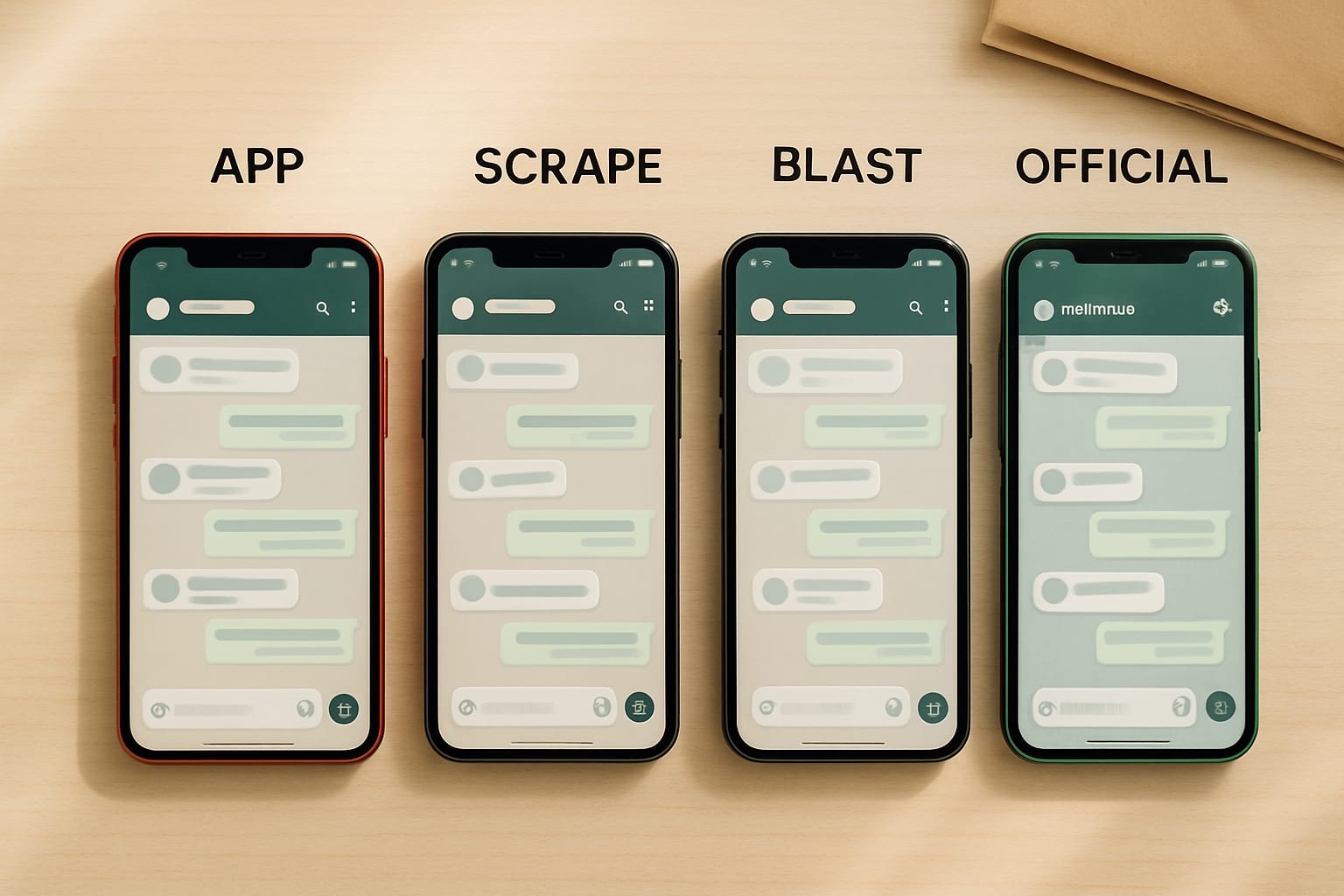
When someone in Malaysia says "WhatsApp Business API" or "WABA," they could be talking about four genuinely different things. Each has its own cost profile, capability set, and ban risk. Mixing them up is the single most common reason SME owners end up with a dead WhatsApp number.
Thing 1: The WhatsApp Business app. The free Android or iOS app most Malaysian small businesses install on a single device. Manual messaging. Auto-replies. Catalog. Useful for talking to existing customers but cannot send marketing blasts to people who haven't messaged you first. Not an API. Calling this "WABA" is just wrong.
Thing 2: The official Meta Cloud API. Meta's actual programmable interface. Requires a dedicated phone number you provision through Meta or a partner. Marketing messages must use pre-approved templates. Supports multi-agent dashboards, integrations, AI layers. This is what "WABA" actually means in Meta's own documentation. The path is more work to set up, more expensive per message, but it's the only path Meta itself sanctions for marketing at scale.
Thing 3: Unofficial WhatsApp web-scrape APIs. Third-party tools that puppeteer the WhatsApp Web interface to send messages programmatically. Often marketed loudly as "WhatsApp Business API" because the term is unregulated as a marketing label. Cheap — usually somewhere between two hundred and five hundred ringgit a month. High ban risk because Meta detects automation fingerprints reliably. This is not WABA. This is the path that produces the ban stories. The developer community even maintains a public list of known illegal WhatsApp API providers on GitHub — when your vendor's domain shows up on a list like that, walk away.
Thing 4: BSP marketing platforms built on top of Thing 2. Sleekflow, Wati, Sanuker, AeroChat, Yaeris, Moobidesk, Twilio, Vonage. These are legitimate Business Solution Providers — companies that wrap the official Cloud API in a friendlier dashboard, handle template approvals, and bill you a markup for the convenience. Calling these "WABA" is technically loose but commercially common. Honest vendors here will tell you they're a BSP on top of Meta's Cloud API; the rest will use "WhatsApp Business API" interchangeably and hope you don't ask.
Quick test when a vendor approaches you:
- If the vendor's onboarding involves scanning a QR code with your existing WhatsApp Web — that's Thing 3. Walk away.
- If the vendor's onboarding involves provisioning a separate phone number plus a dashboard with template management — that's Thing 2 or Thing 4. Investigate further.
- If the vendor says "we just install WhatsApp Business app on a tablet" — that's Thing 1. Cheaper, but you cannot blast.
Why WhatsApp Accounts Get Banned
Bans aren't random. Meta's anti-abuse systems run on documented mechanics. Understanding the mechanics is the difference between scaling safely and joining the ban stories.
Opt-in requirements. Meta requires explicit user opt-in before any marketing message can be sent through the official Cloud API — this is stated plainly in the WhatsApp Business Messaging Policy. Unofficial web-scrape tools let you skip this entirely. Meta detects the bypass through user complaint rates: when too many recipients block you or report your messages as spam, the system flags the sender.
Template approval. On the official path, every marketing message must use a pre-approved template. Meta's review team examines templates for spam patterns, misleading claims, and category abuse — Meta's own policy enforcement documentation walks through how the review works. The friction is by design. It forces businesses to think before broadcasting, and unofficial paths skip this entirely, which is exactly why they look fast and feel productive right up until the ban.
Sender quality scoring. Meta maintains a Green / Yellow / Red quality rating for every business sender. The Meta Business Help Center page on Quality Rating explains how the rating moves based on user blocks, complaints, and reply rates. Green senders get high daily message limits. Yellow senders get throttled. Red senders get banned. Daily message limits are themselves documented in Meta's developer docs and are not negotiable — they govern how fast you can scale.
Automation fingerprinting. Unofficial APIs leave detectable patterns — message timing regularities, browser automation signatures, header anomalies. Meta's systems are tuned to flag these patterns. A well-disguised tool may evade detection for weeks, but the systems improve continuously, and the dominant pattern is detection eventually. The Medium post-mortem linked in the intro walks through this in technical detail from a developer who was banned.
Cross-account linkage. This is the one that hurts most. Meta correlates banned business numbers with the operator's other accounts — personal WhatsApp, Facebook page, Instagram, ad accounts. A banned WABA blast operation can spill into your personal WhatsApp. Recovery is rare.
Why This Risk Doubles in Malaysia: The PDPA Layer
On top of Meta's ban policy, Malaysian businesses face a layered legal risk that most blast-vendor pitches conveniently omit. Under the amended Personal Data Protection Act (PDPA) fully in force from 2026, businesses must obtain and document explicit consent from every recipient before sending commercial WhatsApp messages. Violations carry fines of up to one million ringgit per breach.
The practical effect: even if you somehow avoid the WhatsApp ban, an unsolicited blast to non-consented recipients can trigger PDPA enforcement separately. The two systems compound — the playbook that keeps you ban-safe is also the one that keeps you legally clean. The Qiscus team has a useful Malaysia-specific guide on what PDPA-compliant blast looks like, and ITGtel walks through the three legality tests every campaign needs to pass. Both treat WhatsApp blast as legal when, and only when, it's done through an official BSP, with documented per-recipient consent, and in compliance with PDPA.
This is the doubled risk Malaysian SMEs running unofficial blast tools are actually carrying. One ban event becomes two enforcement actions.
What the Real Ban-Safe Method Actually Looks Like
The honest answer to how do I run WhatsApp marketing at scale without getting banned is a four-step path. It's more work upfront than scanning a QR code, but it's the path that actually scales.
Step 1: Provision a dedicated WhatsApp Business API number via Meta Cloud API directly, or through a reputable BSP. Costs are per-conversation rather than per-message — Meta charges a session fee that varies by country tier. For Malaysia, marketing conversations currently run somewhere between roughly thirty and fifty Malaysian sen per conversation, depending on type and timing. See Meta's published pricing page for the current rate.
Step 2: Build your opt-in list properly. Web forms with consent checkboxes, QR codes at point-of-sale, in-store sign-ups with a logged record. This is the unglamorous foundation that determines whether you ever scale safely. Your website is the natural place to host the opt-in form, because consent records need to live somewhere auditable.
Step 3: Submit marketing templates for approval. Twenty-four to seventy-two hours of Meta review. Reusable forever once approved. You cannot send promotional content outside approved templates, so plan your top five to ten templates upfront — campaign announcements, event reminders, abandoned-cart nudges, seasonal offers. The categories you'll use repeatedly.
Step 4: Send personalized, opt-in-respecting messages. This is where the word "blast" needs reframing. Mass-blast logic — one identical message sent to ten thousand recipients — is exactly what Meta's quality scoring punishes. The ban-safe path inverts the model: ten thousand unique messages, each contextual to the recipient, each respecting the opt-in.
The reframe matters. Personalized messages get higher reply rates. Higher reply rates raise your quality score. Higher quality scores unlock higher daily message limits. The personalization isn't slowing you down — it's how you scale safely.
That's exactly the bottleneck AI agents remove.
How AI Agents Change the WhatsApp Blast Playbook
Before generative AI was usable for business operations, personalization at scale required a team. Crafting ten thousand unique messages by hand wasn't feasible for any Malaysian SME, so businesses defaulted to one-size-fits-all blasts and accepted the ban risk as a cost of doing marketing. That trade-off doesn't apply anymore.
What an AI agent layer does on top of the official API: pulls each customer's context (past orders, last conversation, preferred language, location, behavior signals), generates a personalized message in the customer's preferred language, slots it into an approved template, sends through the official Cloud API. The agent reads replies in real time, answers FAQs autonomously, qualifies leads, and escalates to a human only when needed.
Concrete capability examples:
- Language detection and switching. Bahasa Malaysia for BM-speaking customers, English for others, Chinese for ZH-speaking customers — auto-detected from past chat history. One campaign, three language variants generated on the fly.
- Offer personalization by purchase history. A skincare buyer gets skincare promos. A gadget buyer gets gadget promos. Same campaign, different content per recipient — without a team rewriting messages.
- Timing by reply window. Some customers reply within minutes, others reply after work. The agent learns each customer's pattern and times outbound messages to their typical reply window.
- Reply handling. Inbound questions are answered by the agent against your knowledge base, qualified leads are routed to a human, time-wasters are politely closed. Your sales team only sees the qualified leads.
The compound effect is exactly what Meta's quality scoring rewards. Higher reply rates raise the quality score. Higher quality scores raise the daily message limit. Higher daily limits unlock real scale.
This is the kind of layer we build for Malaysian SMEs — connecting Meta's Cloud API to an AI agent that does the personalization-at-scale work that used to require a team. The deeper view on how we build AI team members and agentic workflows for MY businesses walks through the patterns.
When This Path Isn't For You
A pricing-and-capability article that doesn't admit the exceptions isn't honest. There are situations where the official-plus-AI path is overkill.
- Fewer than around a hundred customers and occasional messaging. The free WhatsApp Business app is enough. Use it manually, build the relationship, scale to API only when message volume justifies the setup work.
- Maximum five hundred ringgit per month budget and no IT support. Start with a managed BSP platform like Sleekflow or Wati without the AI layer. Get comfortable with template approvals and opt-in mechanics first. Add the AI layer in year two when revenue justifies it.
- Fully B2B with a fifty-account book. Personal-account WhatsApp messaging works better than any API for high-touch B2B. The relationship matters more than the automation.
If none of those describe your business — if you're past a hundred customers, want to scale, and have heard ban stories that make you cautious — the official-plus-AI path is the one to plan around.
Konsultasi percuma
Run WhatsApp marketing without ban anxiety
If you've been wondering whether the 'WhatsApp Business API' your vendor is selling you is the real thing, or you're already running blasts and worried about ban risk, that's a conversation worth having before your next campaign. We help Malaysian SMEs set up the official path with an AI agent layer that keeps quality scores high.
Explore Anchor Sprint AI Solutions